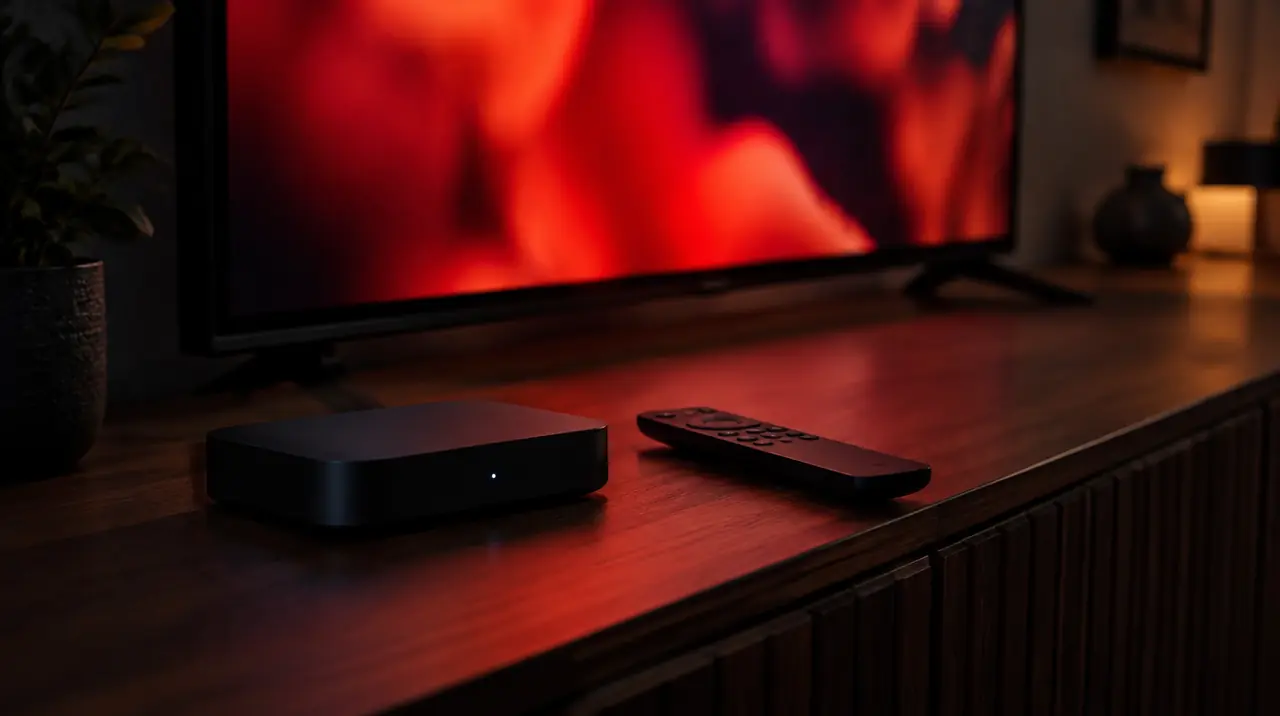
Short answer: BuzzTV makes streaming boxes, remotes and its own player apps, and its boxes are widely sold in Canada. A BuzzTV box is a one-time hardware purchase. The live channels you watch on it come from a separate subscription with its own price and terms. If you are buying today, look at the current line (the G-Series runs Google TV), avoid discontinued models with old software, and confirm your provider’s login works with the player you plan to use before you pay for either.
What BuzzTV actually sells
On its official site, BuzzTV lists three kinds of product: streaming players (the boxes), remote controls, and apps, including the BuzzTV 6 App and BuzzTV 5 App. The site describes hardware and software. It does not present a channel package as part of the box.
That distinction answers most of the questions people search about BuzzTV. Many Canadian retailers sell a box together with a subscription, and the two are easy to confuse at the counter. The box is yours once you buy it. The subscription is a service from whoever sold it, with its own renewal date, refund terms and support. When something stops working, knowing which of the two is at fault tells you who to call.
Current and discontinued models
BuzzTV’s site separates current players from discontinued ones. As of October 2026 it listed these:
| Status | Models |
|---|---|
| Current | G-Series, Classic Ai, E5-SE, P6 PowerStation, L1 Linux Player, E5, B5 |
| Discontinued | P6 PowerStation Unlimited, X5, Classic Anniversary, X5 SS, X5 AX-C, The Classic, U5, HD5, Vidstick, XRS 4900, 4500 Series, 4000 Series, E2 Essentials Series |
Discontinued does not mean broken, but it does mean you should not expect new software. Many of the boxes still sold second-hand on Marketplace and Kijiji, such as the XRS 4900 and the 4500 Series, belong to the older group. An older Android version can lock you out of current app versions, so a cheap used box can end up costing more in frustration than a new streaming stick.
The G-Series in plain terms
The G-Series product page lists Android 14 for TV with the Google TV experience, 4GB of RAM, 64GB of storage, a gigabit Ethernet port, Wi-Fi 6 and Bluetooth 5.2, plus the G21 voice remote with a full number pad and colour shortcut buttons. Two of those specs matter most for live TV: the Ethernet port, because a cable beats Wi-Fi for steady streams, and the number pad, because typing channel numbers is what cable-box users miss most.
Because it runs Google TV, the G-Series can install players from Google Play, the same way as other Google TV devices. That gives you a choice of player rather than tying you to one app.
BuzzTV compared with common alternatives
A BuzzTV box competes with streaming sticks and other dedicated boxes. Here is how the main options differ for someone who mainly watches live channels.
| Option | Strength | Watch out for |
|---|---|---|
| BuzzTV (current models) | Box-style remote, Ethernet on many models, built for live TV | Buy current models; check software updates |
| Fire TV Stick | Cheap, widely supported, lots of setup guides | No Ethernet without an adapter; app rules on newer models (see Fire OS vs Vega OS) |
| Google TV Streamer or other Google TV boxes | Google Play, Ethernet, regular updates | Remote has no number pad |
| Formuler | Purpose-built IPTV box with its own guide app | See our Formuler Z setup guide for model details |
| Nvidia Shield | Fast, long software support | Higher price; see IPTV on Nvidia Shield |
For a broader buying view across brands, our best IPTV box in Canada guide goes through the specs that matter and the ones that do not.
Setting up IPTV on a BuzzTV box
The exact menus differ by model and software version, so treat this as the order of work rather than a list of button names.
- Connect and update first. Plug in Ethernet if you can, sign in to the box, and install any system update it offers before adding apps. Updates often fix playback and remote issues.
- Set the time zone and automatic time. A wrong zone is the main reason a TV guide shows the wrong programmes. Canada has six time zones, so check it rather than assume.
- Choose your player. On a Google TV model such as the G-Series, you can use the built-in BuzzTV app or install another player from Google Play. On older Android models, check that the player you want still supports that Android version.
- Enter your provider’s details. Most providers give either an M3U link or an Xtream-style login with a server URL, username and password. Type the server address with
http://orhttps://and any port. If you are not sure which login you have, read Xtream Codes vs M3U explained. - Load the guide. Many players fetch the guide automatically from an Xtream login. If yours stays empty, add the guide link your provider gives you, and see EPG not loading if it still will not fill.
- Test on a weeknight evening. Watch two or three channels you actually care about for ten minutes each, at the time your household normally watches. That is when networks are busiest and problems show up.
If your box is an older Android model and the steps feel familiar, our general Android box installation guide covers the same process in more detail, including installing apps that are not in the store.
The questions people ask about BuzzTV
Is BuzzTV legal in Canada?
A BuzzTV box is a media player, like any streaming device, and owning one is legal. What matters is the content you load on it. A subscription is lawful when the provider has the right to distribute the programming it offers; a box does not change that either way. Our guide Is IPTV legal in Canada? explains the distinction, including what Canadian courts have said about unauthorized services.
How much does BuzzTV cost per month?
The box itself has no monthly fee from the manufacturer as far as its site shows; you pay once for the hardware. The monthly or yearly cost comes from the subscription you load into it. If a store quotes you a single price for “BuzzTV”, ask what part is the box and what part is the service, how long the service lasts, and what renewal costs.
Is BuzzTV any good?
For live TV, the current models have the features that matter: wired networking, a remote built for channel surfing and enough memory for large channel lists. The trade-offs are price compared with a streaming stick and the need to avoid old, unsupported models. Whatever you buy, judge it on your own channels and your own network during a trial, not on a store demo.
Five checks before you buy a box from a reseller
- Is it a current model on BuzzTV’s list, or a discontinued one?
- Is a subscription included, and if so, who provides it, for how long, and at what renewal price?
- Can you get a refund on the service if it does not work for you, and over what period?
- Who do you contact for help, and in which languages?
- Can you test the channels you need before paying?
The same questions apply to any provider. Our list of questions to ask before you pay for an IPTV plan goes further.
Using a BuzzTV box with My IPTV Canada
If you already own a BuzzTV box, you do not need new hardware to try us. Send the model on WhatsApp and we will tell you which login type to enter. We offer 38,000+ live channels and 250,000+ movies and series, with availability of any specific channel varying by source, so test the ones you care about during the free 24-hour trial. One screen costs CA$19 for a month or CA$79 for twelve months. Today’s prices hold until January 15, 2027. Eligible new plans carry a 60-day money-back guarantee from first paid activation. See plans and prices and our supported devices.
Frequently asked questions
What is BuzzTV?
BuzzTV is a brand of streaming boxes, remote controls and player apps. Its site lists current players such as the G-Series, Classic Ai, E5-SE, P6 PowerStation, L1 Linux Player, E5 and B5, along with the BuzzTV 6 and BuzzTV 5 apps.
Does a BuzzTV box come with channels?
BuzzTV’s own site presents hardware and apps, not a channel package. Some retailers sell a box bundled with a subscription from a separate provider. Ask who provides that subscription, how long it lasts and what it costs to renew.
Which BuzzTV box should I buy?
Choose a current model rather than a discontinued one, so you get software updates. The G-Series runs Google TV with 4GB of RAM, 64GB of storage, gigabit Ethernet and Wi-Fi 6, and can install players from Google Play.
Can I use IPTV Smarters or TiviMate on a BuzzTV box?
On Google TV and Android models, you can usually install other players from Google Play, as long as the player supports that Android version. Older discontinued models may not run current app versions.
Is BuzzTV legal in Canada?
Owning a BuzzTV box is legal; it is a media player. The legality of what you watch depends on whether the subscription provider has the right to distribute that programming.
Why does my BuzzTV guide show the wrong times?
Check the box’s time zone and turn on automatic date and time, then refresh the guide in your player. A wrong zone shifts every listing by one or more hours.
Sources
Your next step
Test the channels you actually watch.
Tell us your device, languages and preferred channels. We will help confirm availability and set up a free 24-hour trial. Read the plan and guarantee terms before paying.
Useful for someone else?
Share the guide without losing the context.