IPTV, or Internet Protocol Television, is television delivered over an IP network instead of through a traditional cable, satellite or antenna signal. In Canada the term covers two quite different things: TV services run by large telecoms over their own managed networks, and subscription services that deliver live channels and on-demand titles over the open internet to an app on your device. This guide is about the second kind: how it works, what you need, what it costs and what to check before you pay. If you are comparing services, our buyer’s checklist for the best IPTV in Canada lists what to test.
The short version for a household: you need a stable internet connection, a device that can run a player app, an account from a provider, and a realistic expectation of how many screens you will use at once.
How IPTV works, in plain language
Traditional cable sends every channel down the line to your home all the time, and the set-top box picks one. IPTV does the opposite: it sends you only the channel you ask for. Press a channel on the remote and your player requests that stream from a server; the server sends it in small chunks that your device buffers and decodes. Wikipedia’s IPTV article describes the telecom-managed version, while open-internet services use delivery methods such as HTTP Live Streaming.
Four parts have to work together, and any one can be the cause of a problem:
| Part | What it does | What to check |
|---|---|---|
| Source or provider | Supplies the channels, on-demand titles and the program guide | Price, terms, refund policy, support, where the content comes from |
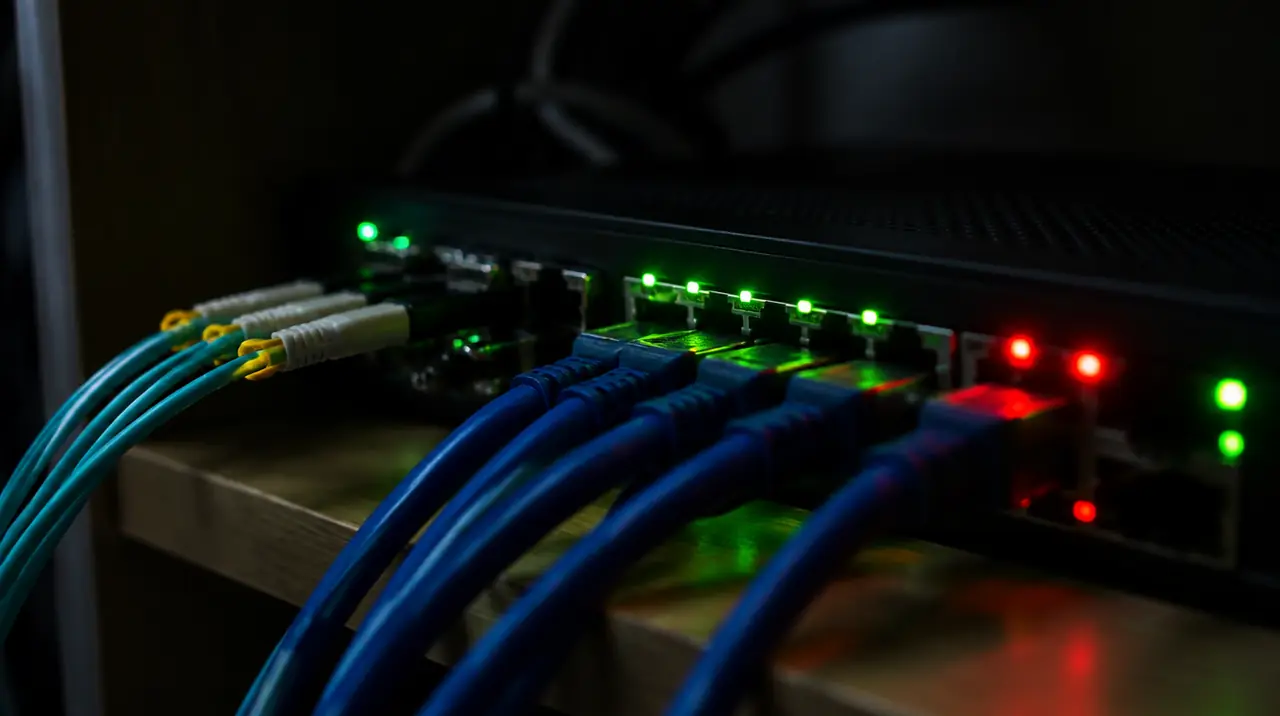
| Internet connection | Carries the stream to your home | Stable speed at your busiest hour, Wi-Fi quality at the TV |
| Device | Runs the player and decodes video | Model, operating system, memory, wired or Wi-Fi |
| Player app | Signs in, lists channels, shows the guide | Login format, cost, update history, remote control |
IPTV compared with cable, satellite and streaming apps
| Option | How it arrives | Hardware | Typical commitment |
|---|---|---|---|
| Cable or satellite | Coaxial line or dish | Provider box or PVR, often rented | Contracts and bundles are common |
| Telecom-managed IPTV | Provider’s own managed network over fibre or DSL | Provider set-top box | Often bundled with internet |
| Single-network streaming apps | Open internet, one company’s catalogue | Any smart TV or streamer | Month to month |
| Open-internet IPTV subscription | Open internet, live channels and on-demand through a player app | Device you already own | Choose 1 to 12 months |
Streaming apps like those from individual broadcasters are one kind of what Wikipedia calls an over-the-top media service. An IPTV subscription is a different product: a bundle of live channels and on-demand content under one login, played in an app of your choice. That difference is why you must ask about content sources and licensing, not just price. We cover legality in is IPTV legal in Canada.
What you need at home
- A connection. Plan on roughly 5 to 8 Mbps per HD stream and 15 to 25 Mbps per 4K stream, for every screen on at the same time. A household running three HD screens needs around 15 to 24 Mbps free, so most Canadian home plans are comfortable. See how much speed IPTV needs.
- A device. Fire OS sticks, Google TV and Android TV boxes, Apple TV, Nvidia Shield, many smart TVs, phones, tablets and computers can all run a player. Check yours on our device list.
- A player app. It signs in with a server address, username and password (Xtream Codes) or an M3U playlist link. The two formats are explained in Xtream Codes vs M3U. Our best IPTV player guide matches apps to devices.
- A subscription. The account that gives you channels and a guide.
The words you will see, translated
- EPG. Electronic program guide: the grid of what is on now and next. Quality depends on the source. See the EPG explained.
- VOD. Video on demand: movies and series you pick, as opposed to live channels.
- Catch-up. Replay of a past programme. It works only on channels where the source offers it.
- Simultaneous connections. How many screens can stream at once on one account. Different from how many devices you have installed the app on.
- Latency. Open-internet streams run some seconds behind the original broadcast. During a live goal, a text message from a friend on cable may arrive before you see it.
- 4K, FHD, HD. Resolution tiers. Higher tiers need more bandwidth and a capable device and TV.
The Canadian context
Four Canadian details are worth planning around. First, time zones: from Newfoundland (UTC-3:30) to British Columbia, a 7 pm Eastern start is 4 pm Pacific, so set your device to your local zone. Second, two official languages: if French matters to you, especially in Québec and bilingual Ottawa and Gatineau, ask whether the channels and the support are available in French. Ours are, with help in English and French. Third, geography: a cottage in Muskoka, a cabin in the Kootenays or a farm on the Prairies may have limited broadband, so test before you rely on it. See our cottage and cabin guide.
Fourth, regulation: broadcasting in Canada is regulated by the CRTC, and rights to channels, leagues and events vary by licensor and region. That is why no honest provider can promise a particular game, and why you should ask us to check a specific channel or event before you pay.
What My IPTV Canada offers
My IPTV Canada has been in business since 2017 and serves households across the country. Our service includes 35,000+ live channels and 200,000+ movies and series across Canada, the US, the UK, Europe and India, in 4K, FHD and HD, with an EPG and catch-up, and customer service available around the clock. Setup help is in English and French. We have more than 68,000 subscribers.
Plans are priced in CAD by term and by simultaneous screens:
| Screens | 1 month | 3 months | 6 months | 12 months |
|---|---|---|---|---|
| 1 | CA$19 | CA$35 | CA$49 | CA$79 |
| 2 | CA$29 | CA$59 | CA$89 | CA$129 |
| 3 | CA$39 | CA$79 | CA$119 | CA$179 |
| 4 | CA$49 | CA$99 | CA$149 | CA$219 |
New customers get +2 bonus months on the 12-month term, and none on shorter terms. A 12-month, one-screen plan at CA$79 is about 65 percent cheaper than paying CA$19 for 12 months in a row (CA$228). Current prices hold until April 14, 2027. A 60-day money-back guarantee applies from first paid activation. Payment is confirmed with a person on WhatsApp; you pay by card through a secure link sent there, and we never ask for card details on the website. See how it works for the full path from payment to watching.
What your first evening looks like
People worry IPTV is technical. In practice the first session is short. You choose a plan and confirm payment with a person on WhatsApp. You receive your login, install a player on the device you chose, enter the server address, username and password, and wait a minute for the channel list to download. Then you open the guide and pick something to watch. If you get stuck on any step, you message us the device model and what the screen shows. Typical stumbling blocks are a mistyped server address, the wrong time zone on the device and a Wi-Fi signal too weak for the room.
It helps to run through the setup before the big event you bought it for. Do not wait for the first game of the season to discover your Wi-Fi drops in the basement.
A quick bandwidth budget
Use this to size your connection. Take the number of screens that may run at once and multiply by the stream type:
| Household | Streams | Approximate need |
|---|---|---|
| Single person, one HD screen | 1 HD | 5 to 8 Mbps |
| Couple, two HD screens | 2 HD | 10 to 16 Mbps |
| Family, three HD plus one 4K | 3 HD, 1 4K | 30 to 49 Mbps |
| Family of four, four HD screens | 4 HD | 20 to 32 Mbps |
These figures are for the video alone. Add what the rest of the household uses for video calls, gaming and downloads, and leave a margin of about 30 percent. Most Canadian plans from the large internet providers clear this easily; the usual failure is Wi-Fi inside the home, not the plan. Our guide to fixing IPTV buffering walks through it.
Four myths worth dropping
- “A faster plan fixes everything.” Past a point, no. A weak signal at the TV or a crowded 2.4 GHz band is the more common cause of stutter.
- “The app decides what channels I get.” It does not. The app is a window; the source decides the content.
- “More devices means more screens.” Your connection limit counts simultaneous streams, not installed apps.
- “A short trial proves it works.” It proves it works at that hour. Test again on a weekend evening.
How to decide if IPTV suits you
- List what you watch in a normal week. If most of it is on one or two streaming apps, you may not need more.
- Count your screens. Use the largest number of simultaneous viewers, not the number of devices.
- Check your connection at the TV during your evening peak. If you cannot get a steady 25 Mbps at the sofa, fix that first.
- Name your must-haves. A channel, a language or a league. Ask the provider to confirm each before you pay.
- Compare the full cost. Include the player app, any hardware and the internet you already pay for. Our cable vs IPTV cost guide helps.
- Use the refund window. Test on your own TV at your own busiest hour.
Who IPTV is not for
Skip it if you have no stable broadband, if you want a single provider and bill for internet, phone and TV with a technician to fix things, or if you need guaranteed rights for a specific local broadcast. A managed service from your internet provider may suit you better. For everyone else, test it on your own TV at your busiest hour before you commit.
Frequently asked questions
What does IPTV stand for?
IPTV stands for Internet Protocol Television. It means television delivered over an IP network, rather than through a broadcast antenna, cable line or satellite dish. Your device requests the channel you choose and receives it as a stream.
How does IPTV work?
You open a player app on a device, sign in, and select a channel. The app requests that stream from a server, which sends it in small chunks. The device buffers and decodes them into video. Speed, Wi-Fi, device and source all affect quality.
What do I need to watch IPTV at home?
You need a stable internet connection, a device that runs a player app, such as a streaming stick, Google TV box, Apple TV, smart TV, phone or computer, and a subscription login. Plan about 5 to 8 Mbps per HD stream and 15 to 25 Mbps for 4K.
How is IPTV different from cable?
Cable sends every channel down a line and a box selects one, usually with rented hardware and often a contract. IPTV sends only the channel you request over the internet to a device you may already own, with terms from 1 to 12 months.
Is IPTV legal in Canada?
It depends on the content source and licensing, not on the technology. Some IPTV services are licensed telecom products; others are not. Ask any provider where its content comes from. We do not give legal advice; see our guide on legality in Canada.
How many screens can I watch at once on IPTV?
That is set by your plan's simultaneous connections. Ours range from 1 to 4. Count the most screens that would run at the same time on a busy evening, not the number of devices you own, and choose that many.
Sources
Your next step
Test the channels you actually watch.
Tell us your device, languages and preferred channels. We will help confirm availability and set up a free 24-hour trial. Read the plan and guarantee terms before paying.
Useful for someone else?
Share the guide without losing the context.