With My IPTV Canada, renewal is manual: nothing renews on its own and nothing is charged automatically, so you decide when to extend. New paid subscriptions that are eligible carry a 60-day money-back guarantee counted from your first paid activation, with no refund fee. Renewals use the same prices as new plans but without the new-customer bonus months.
That is the short version. The rest of this page answers the questions that matter in practice: how the dates work, what a renewal really costs, how to ask for a refund, and which questions to put to any provider before you pay.
The short answers
| Question | Answer |
|---|---|
| Do you renew automatically? | No. Renewal is manual and there are no automatic charges. |
| Do renewals get bonus months? | No. Bonus months are for new customers only (+1 on 3 and 6 months, +2 on 12 months). |
| How long is the guarantee? | 60 days from first paid activation, for eligible new paid subscriptions. |
| Is there a refund fee? | No. |
| How do I ask? | The refund request page, WhatsApp or email. |
| Do I type card details on the site? | No. Checkout asks for your name and email, and payment is arranged with a person on WhatsApp (Interac e-Transfer or other options). |
How manual renewal works
Manual means the next payment only happens if you start it. As your paid term nears its end, you come back to the renewal page, choose a term and connection count, and confirm payment with a person on WhatsApp. If you do nothing, the subscription simply ends. There is no stored payment authorization in the background, so there is no charge to find on a statement later.
This is a deliberate contrast with the negative-option model, in which a service keeps charging until you cancel. The pattern is explained in Wikipedia’s note on negative option billing, and it is why so many subscribers dread the free trial that quietly becomes a paid plan. A manual model puts the decision in your hands.
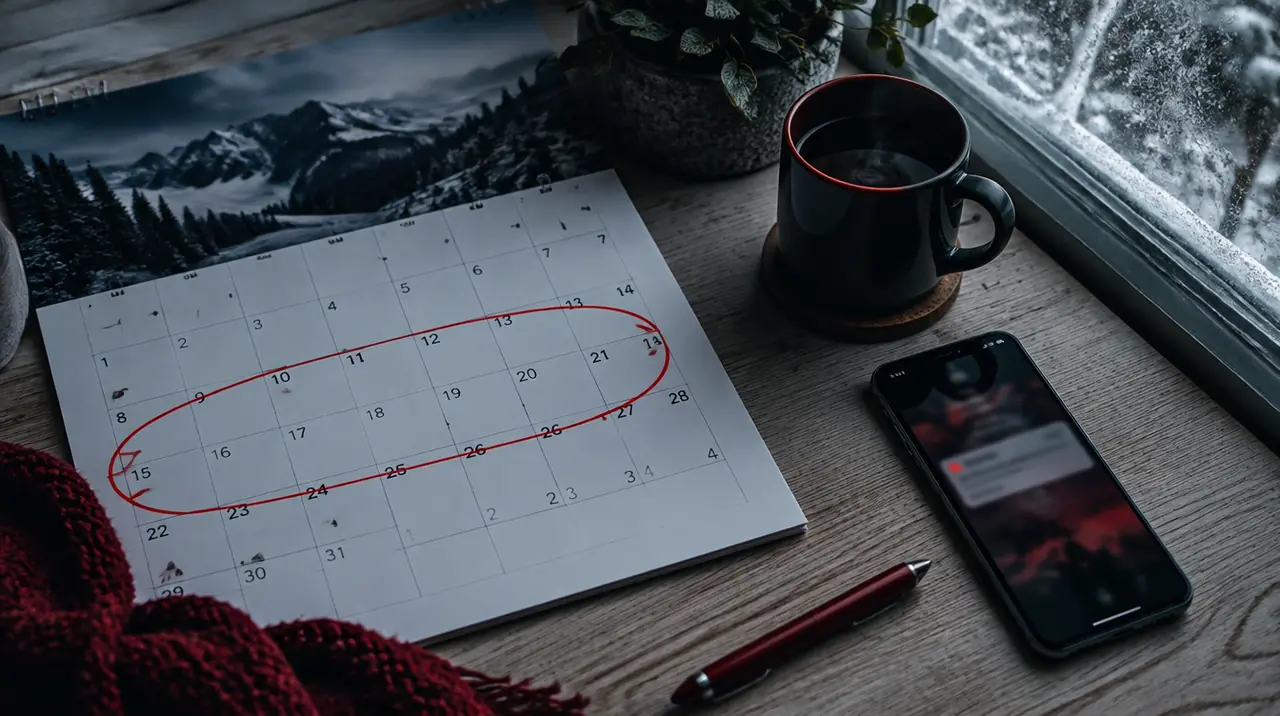
There is a trade-off, and it is worth stating. You must remember to renew. If your term runs out during a big game, you will be without service until you pay and the activation is confirmed. Put a reminder in your phone’s calendar one week before the end date, and renew in a calm moment rather than on a Saturday night.
Renewing, step by step
- Check your end date. If you are not sure, message us on WhatsApp and we will confirm it.
- Count how many screens you actually used over the last term. A household that never used the third connection can drop to two and save money.
- Open the renewal page, pick a term of 1, 3, 6 or 12 months and the connection count.
- Complete the form with your name and email. You do not enter payment details on the page.
- Confirm the total and the payment option with the person on WhatsApp, then pay as arranged. Keep the message for your records.
What a renewal costs
Renewals use the same published prices. Because there are no bonus months at renewal, the number to compare is the price per paid month. These are the figures in CAD, current until January 15, 2027, and rounded to the nearest cent.
| Screens | 1 month | 3 months | 6 months | 12 months |
|---|---|---|---|---|
| 1 | 19 | 29 (9.67/mo) | 49 (8.17/mo) | 79 (6.58/mo) |
| 2 | 29 | 49 (16.33/mo) | 89 (14.83/mo) | 129 (10.75/mo) |
| 3 | 39 | 69 (23.00/mo) | 119 (19.83/mo) | 179 (14.92/mo) |
| 4 | 49 | 89 (29.67/mo) | 129 (21.50/mo) | 199 (16.58/mo) |
A worked example: one screen, 12 months, renewed at CA$79, is CA$6.58 a month. Paying the one-month price of CA$19 for twelve months is CA$228, so the 12-month renewal is 65% less on one screen for 12 months compared with paying CA$19 every month. For the full case for longer terms, and when they are the wrong call, read why a 12-month plan costs less per month.
Prices are held until January 15, 2027 and then they rise. If your term ends close to that date, a renewal before the change is the one that locks the current rate for the term you buy.
How the 60-day guarantee clock works
The clock starts at your first paid activation, not on the day you read the site and not on the day you used the free trial. A free 24-hour trial, which is available by WhatsApp on request, does not count as a paid activation.
Take a customer who pays and is activated on November 3. Sixty days later falls around January 2. They can request a refund at any point inside that window. If they were still unsure on day 50, they should not wait for day 59 to find out. Send the request early, with the email used at checkout, so there is time to deal with it.
What “eligible” means
The guarantee covers eligible new paid subscriptions. The guarantee page spells out the conditions, so read it before you pay: our guarantee. If you are not sure whether your case qualifies, message us before paying and ask. We would rather answer a question than argue about one later.
How to ask for a refund
- Go to the refund request page, or message us on WhatsApp or email.
- Include the name and email used at checkout, the date you paid, and a short reason. A reason helps us fix a recurring issue but is not a hurdle to getting the request heard.
- If the problem is a technical fault, tell us the device, the channel and the time it happened. Many faults can be fixed in minutes, and you can always choose a refund instead.
- Keep the message thread. If you are asked for anything else, reply in the same thread.
There is no fee to request a refund. How the money is returned is confirmed with you in that conversation, because the route depends on how you paid. We do not publish a promised processing time here, so ask for one when you request it.
The questions to ask any provider about renewals and refunds
These apply to us and everyone else. Get the answers in writing before you pay.
- Is renewal automatic? If so, how do I stop it, and how many days before the charge will you warn me?
- Does the price change at renewal, and are the bonus months a one-time offer?
- How many days does the money-back window last, and what starts the clock?
- Is there a fee, or any condition (for example, a data limit or a number of hours watched) that cancels my eligibility?
- Who do I contact, and in what languages? What do I send them?
- How is a refund returned, and what is the usual timing?
If the answer to any of these is a link to a long policy page and no direct reply, that tells you something. Our guide on what to check before you pay includes the same questions with space to record answers.
A word on disputing a payment with your bank
If you have paid by a method that allows a dispute and a provider is unresponsive, a bank dispute (a chargeback) is sometimes available. The general idea is described in Wikipedia’s article on chargebacks. It should be a last resort. Contact the provider first and use their refund route, which is usually faster.
Which term should you choose at renewal?
- You watch all year: 12 months has the lowest cost per paid month on every screen count.
- You watch the hockey season only: a 6-month term from October covers the regular season and playoffs for a lower upfront cost than 12 months, though check dates and channels first.
- You are not sure the household will keep using it: 3 months, then reassess.
- A holiday, a rental or a temporary home: 1 month.
If your use has changed, renewal is a good moment to rethink the connection count. Our guide to IPTV connections explains how to count. Current plans are on the pricing page.
Frequently asked questions
Does My IPTV Canada renew automatically?
No. Renewal is manual, so nothing renews on its own and nothing is charged automatically. You choose a term on the renewal page and confirm payment with a person on WhatsApp. If you do nothing, your subscription simply ends at the close of your paid term.
Do renewals get bonus months?
No. Bonus months are for new customers only: one extra month on 3 and 6 month terms and two on 12 months. Renewals use the same published prices without the bonus, so compare the price per paid month when planning a renewal.
How long do I have to ask for a refund?
Eligible new paid subscriptions have a 60-day money-back guarantee that starts at first paid activation. There is no refund fee. Request it on the refund page, by WhatsApp or by email, and do it early in the window rather than on the last day.
Does the free trial count toward the 60 days?
No. The 60-day clock starts at your first paid activation, not during the free 24-hour trial, which is available by WhatsApp on request. A trial is a test, so the guarantee window only begins once you have paid and been activated.
How do I request an IPTV refund?
Use the refund request page, or message us on WhatsApp or email. Include the name and email from checkout, the payment date and a short reason. Keep the thread. How the money returns is confirmed with you directly, as it depends on how you paid.
Can I change my number of screens when I renew?
Yes. Renewal is a good time to match the plan to your household. Pick a connection count from one to four and a term of 1, 3, 6 or 12 months on the renewal page, then confirm the total with a person on WhatsApp before paying.
Sources
Your next step
Test the channels you actually watch.
Tell us your device, languages and preferred channels. We will help confirm availability and set up a free 24-hour trial. Read the plan and guarantee terms before paying.
Useful for someone else?
Share the guide without losing the context.