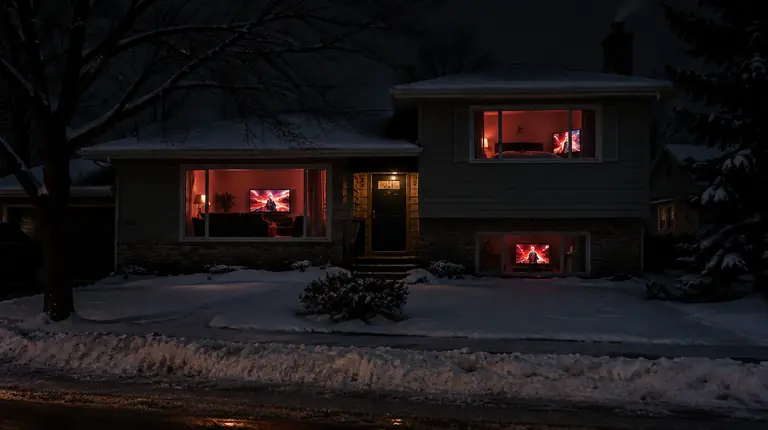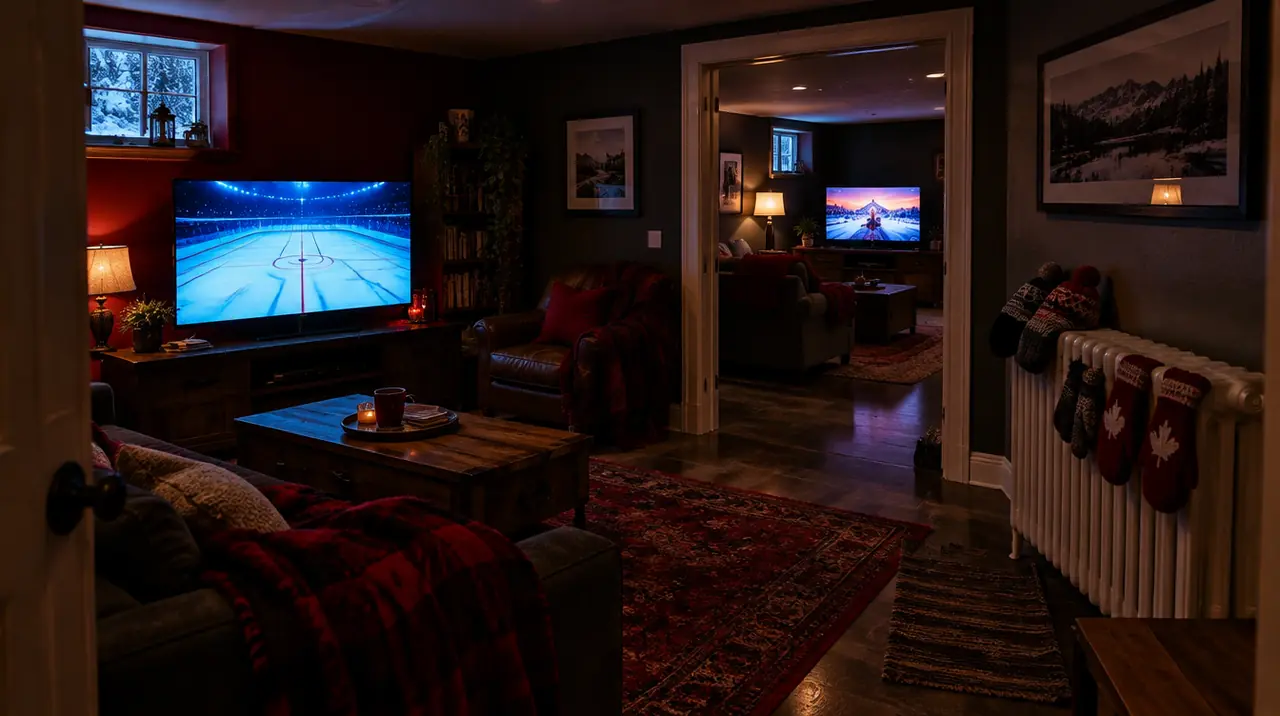
You need as many connections as the most screens that will play at the same moment, not the number of devices you own. A household with five TVs where two are ever on together needs two connections. Count your busiest evening, add one only if a regular extra viewer exists, and stop there.
What a “connection” actually counts
A connection is one live stream being delivered to one device at a given instant. It is not a device registration, an account login or a person. Three consequences follow:
- A TV that is switched off, or sitting on the home screen of an app, uses nothing.
- Two people watching the same TV use one connection. Two TVs tuned to the same channel use two, because each pulls its own stream.
- A phone on cellular data counts the same as a phone on Wi-Fi. Watching on the commute and at home are both single streams, as long as they do not overlap.
Some apps also keep a stream open in the background after you leave the screen. If you leave a channel playing on the living room Fire TV Stick and walk off to start the bedroom TV, that is already two. Closing the app, not just turning off the TV, releases the connection. It is a small habit that fixes a lot of “my third screen will not start” complaints.
The counting method: a ten-minute exercise
- List every screen that could show live TV. Each TV, tablet, laptop and phone. Do not skip the one in the garage or the cottage.
- Write the usual viewers beside each. Who watches where, and when.
- Find the overlap. Pick the busiest window of your week, usually Saturday or Sunday evening, or a weekday after school. Count the screens that are realistically on together in that window.
- Add one only if a pattern exists. A regular guest, a teen who streams in a bedroom while the parents watch downstairs, a tenant who shares the account. A once-a-year gathering does not justify a permanent extra connection.
- Check the number against the bandwidth you have. The next section explains why this step often changes the answer.
The limit you hit before the connection limit: your internet
Every simultaneous stream shares the same internet connection. As a working estimate, a standard HD stream needs roughly 5 to 8 Mbps and a 4K stream roughly 15 to 25 Mbps. These are planning numbers, not guarantees, and they vary with the channel and encoding.
| Simultaneous streams | All HD (5 to 8 Mbps each) | One 4K plus the rest HD |
|---|---|---|
| 1 | 5 to 8 Mbps | 15 to 25 Mbps |
| 2 | 10 to 16 Mbps | 20 to 33 Mbps |
| 3 | 15 to 24 Mbps | 25 to 41 Mbps |
| 4 | 20 to 32 Mbps | 30 to 49 Mbps |
Add room for everything else the house does at the same time: a work video call, a console download, phones on Wi-Fi. A 50 Mbps plan from a cable provider such as Rogers, Bell, Vidéotron or Cogeco is fine for two or three HD streams, but four plus a video call is tight. Households outside cities on rural fixed wireless or Starlink should be more conservative, because latency swings and evening congestion hit multi-stream use first. Our guide on internet speed for IPTV goes through measuring your real speed, and Wi-Fi versus Ethernet explains why a wired TV frees capacity for the others.
Practical rule: if your plan cannot carry the number of streams you counted, fixing the internet beats buying another connection. A fifth idle connection does nothing for you.
Common Canadian households, and a starting point for each
| Household | Typical peak | Start with |
|---|---|---|
| Single adult or couple, one main TV | 1 TV, sometimes a phone | 1 or 2 |
| Couple with a bedroom TV | 2 TVs | 2 |
| Family with kids, living room plus basement | 2 TVs plus a tablet | 3 |
| Five or more people, teens with own screens | 3 to 4 at once | 4 |
| Cottage or second home used by the same people | Rarely overlaps main home | Same plan, different location |
| Parents plus adult child in a separate home | Overlap on weekends | Treat as separate peak, usually 3 or 4 |
The cottage row is the one people overpay for. If your family uses the city house in the week and the cottage on weekends, the screens never overlap, so a second plan is unnecessary. Our cottage and cabin guide covers the connectivity side.
What each extra connection costs
At My IPTV Canada, the price steps from one screen to the next depend on the term. On a 12 month plan: 1 screen CA$79, 2 screens CA$129, 3 screens CA$179, 4 screens CA$199. That makes the second and third screen CA$50 each, and the fourth only CA$20. On a one-month plan the steps are CA$10 each (19, 29, 39, 49).
So the sensible logic is: be exact when choosing between 1, 2 and 3; when you are at 3 and wondering about 4, the answer is usually yes if any fourth viewer exists. The full grid and the per-month maths are in our plans guide. Compared with paying the one-month price for a year, a 12 month plan saves 65% on one screen and 66% on four.
What happens if you exceed your connection count
Behaviour differs by service and app, so ask before you pay. The usual outcomes are that the new stream refuses to start, or an existing stream is interrupted when another starts. Neither is dramatic, but both are confusing at 8:30 on a Friday night if nobody knows why. Where a plan provides separate credentials per connection, you can give each person their own login, which makes it easy to see who is using what; ask support how that works on your plan.
If X, do Y
- If a third TV will not start but two are playing: check whether an app is still open on a fourth device, including a phone in a bag. Force-close it, then retry.
- If a stream drops the moment another starts: you are at your connection limit. Use fewer screens at once or move up a tier.
- If everything buffers only when several screens are on: it is probably bandwidth, not connections. Test with one screen, then add them one at a time, and see our buffering fixes.
- If the extra screen is for an occasional guest: do not upgrade the whole year. Tell the guest to use the main TV, or wait until they are visiting and compare the monthly step.
Sharing with family in another home
A connection is not tied to a street address, so a parent in Halifax and a child in Calgary can use one account. The catch is time zones. Atlantic and Pacific are four hours apart (Newfoundland is another half hour ahead of Atlantic), and a prime-time hockey game starts at very different clock times for each. If both households watch live at the same moment, they overlap, and you need to count both. If one watches live and the other watches later, you do not.
Think about trust, too. Credentials are effectively a key to your subscription. Share them only with people you would trust with a shared streaming password, and never post them online.
A week-one test that proves your number
Do not trust your estimate until you have stress-tested it. Once your plan is active, run this on a Saturday or Sunday evening, when the house is at its busiest:
- Start live TV on the first screen and confirm picture and sound are steady for two minutes.
- Start the second screen on a different channel. Watch both for two minutes.
- Add each remaining screen one at a time, the way the house would really use them, including the phone or tablet.
- If any screen refuses to start, note which one and which number it was. That tells you the limit, and it separates a connection limit (the new stream will not start) from a bandwidth problem (all streams stutter).
- Play for ten minutes with everything on. Look for freezing, a drop in picture quality, or the guide failing to load.
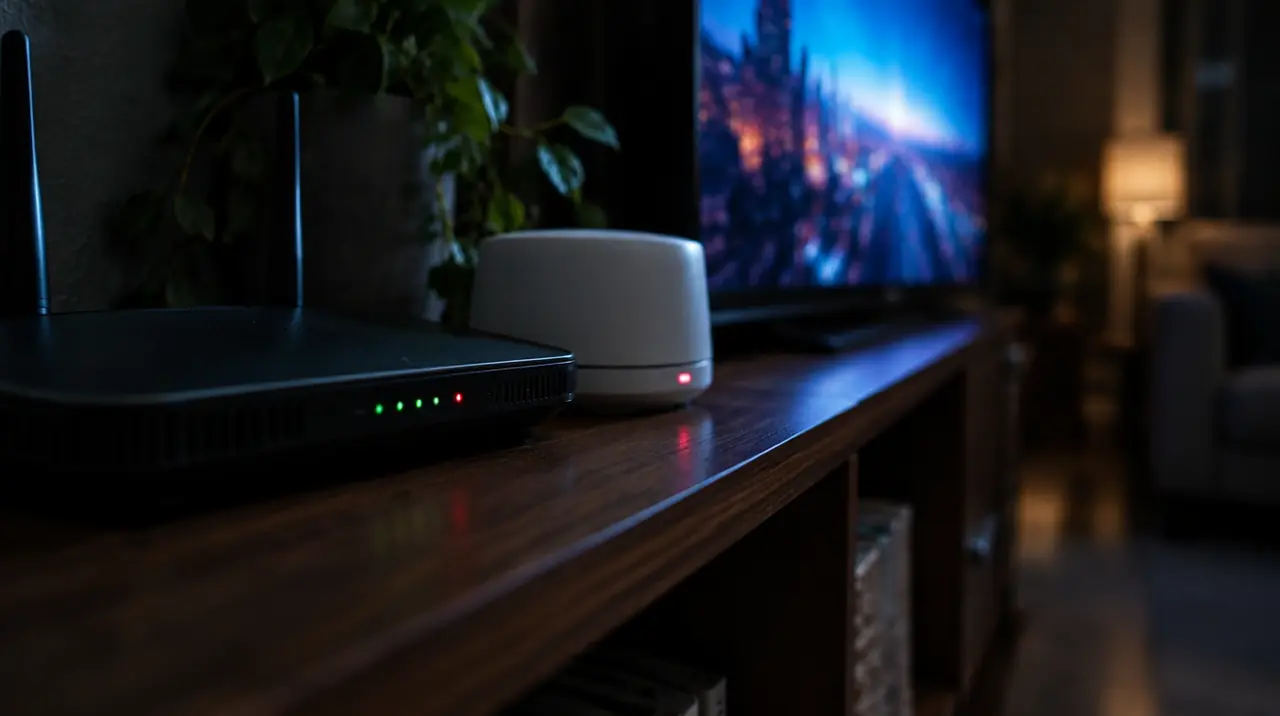
If it passes, your count is right. If it fails at the same number every time, that is your limit. If it fails inconsistently, suspect Wi-Fi: a TV in a far corner of the house, two floors from the router, is the usual cause, and a wired connection or a mesh node fixes more problems than another connection ever will.
Peak time is regional, so think in your own time zone
Prime-time overlap is not the same everywhere. A family on the East Coast sees the evening news, a 7 p.m. hockey start and kids’ bedtime within a couple of hours. In Vancouver the same game can be on at 4 p.m., when kids are home from school and a parent may be on a work call, so overlap with bandwidth-heavy video calls is actually greater. In Québec, evening schedules and French-language programming create their own peaks; see IPTV for Québec if that is your household. Ask yourself which hours matter in your province, not a national average.
Seasonal peaks matter as well. Playoff season, a holiday week with the whole family home, or a long weekend at the cottage with cousins can push you from two screens to four for a few days. Those are the situations where a short-term upgrade question comes up. If the spike is brief and rare, live with it; if it recurs every month, the higher tier is cheaper than the arguments.
If you are still unsure
Choose the lower number and use the first weeks to see whether it holds. The 60-day money-back guarantee on eligible new paid subscriptions, starting at first paid activation, gives you room to check real usage. You can also contact support on WhatsApp with your device list and ask for a recommendation; we would rather size your plan correctly than see you overbuy. The how it works page covers setup, and the devices page lists supported hardware, so you can match each screen to an app before paying.
For a deeper look at the one-versus-many question, read single versus multiple IPTV connections and the multiple screens household guide. For background on how streams are delivered over an IP network, see Internet Protocol television on Wikipedia, and for how Canadian cable, satellite and IPTV delivery are regulated and structured, see multichannel television in Canada.
Checklist before you choose
- I counted screens in my busiest window, not total devices.
- I closed apps on idle devices in that count.
- My internet plan covers that many streams with margin.
- I know whether family in another home overlaps with me.
- I asked what happens if I go over the limit.
Frequently asked questions
How many IPTV connections do I need for a family of four?
Count the screens that play at once on your busiest evening. Many families peak at two TVs plus a tablet, so three connections is a common start. Add a fourth only if a regular extra viewer exists. Check your internet speed too, because every stream shares it.
Does one IPTV connection work on more than one device?
One connection plays on one device at a time. You can install the app on several devices, but only as many can stream simultaneously as your plan has connections. Closing an app on an idle device releases its connection.
Can two TVs watch the same channel on one IPTV connection?
No. Each TV pulls its own stream, even on the same channel, so two TVs on one channel use two connections. Two people watching the same TV use only one.
How much internet speed do I need for multiple IPTV streams?
As a planning estimate, plan roughly 5 to 8 Mbps per HD stream and 15 to 25 Mbps per 4K stream. Four HD streams need about 20 to 32 Mbps, plus room for other household use like video calls.
What happens if I use more IPTV connections than my plan allows?
It depends on the service. Often the new stream will not start, or an existing stream is interrupted. Ask your provider how it behaves before you pay so a Friday night surprise does not catch you out.
Can I share one IPTV subscription with family in another city?
Technically yes, since a connection is not tied to an address. Count both homes in your busiest window, and remember time zones: a live game may start at different clock times. Share credentials only with people you trust.
Sources
Your next step
Test the channels you actually watch.
Tell us your device, languages and preferred channels. We will help confirm availability and set up a free 24-hour trial. Read the plan and guarantee terms before paying.
Useful for someone else?
Share the guide without losing the context.