To cut the cord in Canada without losing your channels, do not cancel anything first. List what your household really watches, prove each item on the new service while cable is still running, then cancel cable in a specific order that protects your internet price. Done in that order, the switch takes about two to four weeks and the only thing you risk is a few weeks of paying for both.
Most guides skip the part that bites Canadians: your internet and TV are usually bundled, and the wrong cancellation call can raise your internet bill by nearly as much as you save. This one covers it step by step.
What you are actually replacing
“Cutting the cord” means leaving a traditional pay-TV bundle for television delivered over your internet. The Wikipedia entry on cord-cutting gives the general history, and Internet Protocol television is the delivery method My IPTV Canada uses. What changes in your home is small: the set-top box rented from Rogers, Bell, Telus, Vidéotron, Cogeco, Eastlink or your local cable company is replaced by a device you own, or by an app on the TV.
What does not change is your internet connection. That is the product you keep, and the rest of your plan should protect it.
Step 1: Write the must-have list (20 minutes)
Sit with everyone who uses the TV and write two columns. “Would cancel the switch over this” and “nice to have”. Be specific: not “sports” but “Saturday night hockey, in French on the weekend”, not “kids’ channels” but the three the children ask for by name.
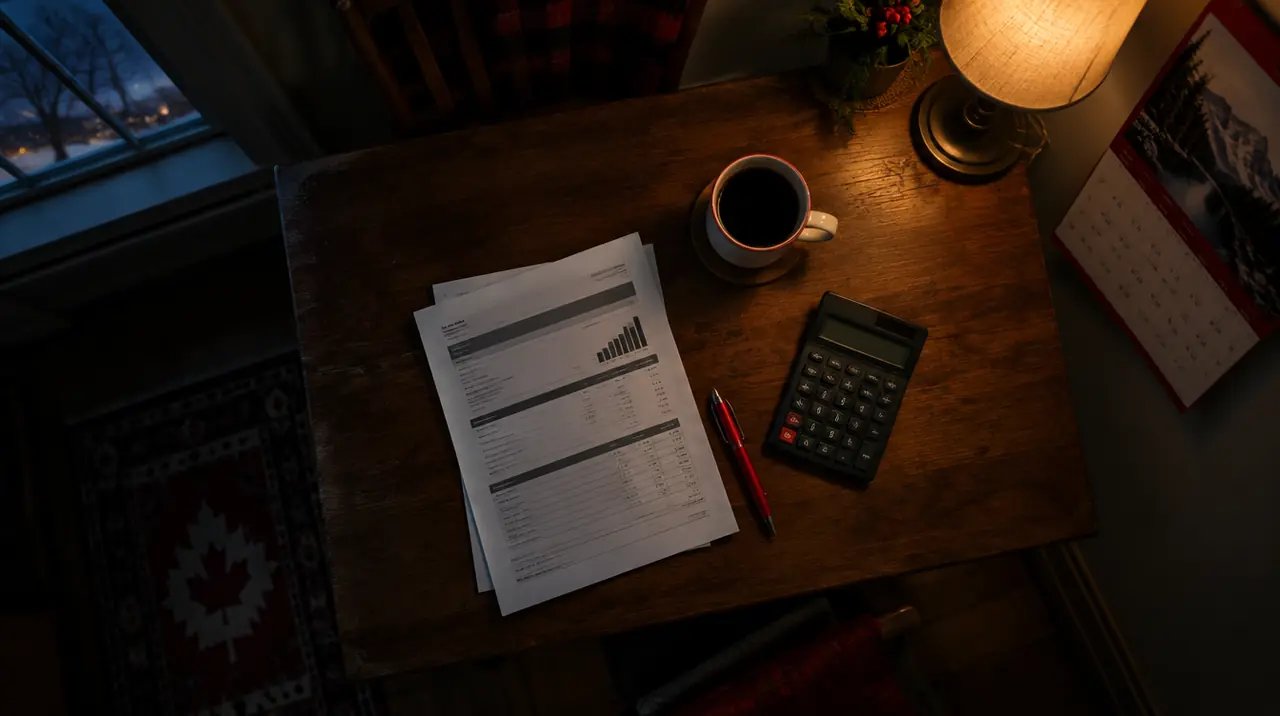
Look at your last bill while you do this. Add up three numbers: the TV package, the box rentals (often CA$10 to CA$15 per box per month, check your own statement), and any “TV-only” fees. That subtotal is the number you are trying to beat.
Step 2: Read the bundle before you touch it
This is the step that decides whether you save money. Open your contract or online account and find three things:
- Term end date. Cancelling TV inside a promotional term can trigger a clawback of discounts or equipment fees.
- Internet-only price. Ask what your internet costs on its own. Bundle discounts often disappear when TV is removed, so a CA$60 internet plan in a bundle can become CA$80 alone.
- Equipment. Which boxes and modems are rented, which are owned, and where to return them.
The CRTC publishes a code for TV service providers that covers contract clarity, but your own contract is what governs your cancellation, so read it. If the internet-only price jumps, a call that says “I want to keep internet and drop TV; what is your best internet-only rate?” often produces a better number than the default. A competitor’s published internet offer is a fair thing to mention.
Step 3: Check your internet and your screens
IPTV only works as well as the connection under it. Roughly 5 to 8 Mbps per HD stream and 15 to 25 Mbps per 4K stream is the working range. A two-screen home on HD needs about 16 Mbps of reliable speed and a household of four screens should plan for 30 Mbps or more, before anyone else uses the network. Run the tests in our internet speed for IPTV guide at 7 pm on a weeknight, not at noon.
| Screens at once | Streaming need | Comfortable internet plan |
|---|---|---|
| 1 | 5 to 8 Mbps | 25 Mbps and up |
| 2 | 10 to 16 Mbps | 50 Mbps and up |
| 3 to 4 | 15 to 32 Mbps | 100 Mbps and up |
Then list the screens. Anything with an HDMI port can work with a Fire TV Stick, Android box or Apple TV; recent smart TVs may run a player directly. The devices page shows what we support and our setup guide for all devices covers each.
Step 4: Pick the screens and the term
Count simultaneous screens, not TVs. A couple with a living-room TV and a bedroom TV that are rarely on together needs one connection if they never overlap, but two is safer. Our guide to how many connections you need walks through the arithmetic.
| Screens | 3 months | 6 months | 12 months |
|---|---|---|---|
| 1 | CA$29 (+1 month) | CA$49 (+1 month) | CA$79 (+2 months) |
| 2 | CA$49 (+1 month) | CA$89 (+1 month) | CA$129 (+2 months) |
| 3 | CA$69 (+1 month) | CA$119 (+1 month) | CA$179 (+2 months) |
| 4 | CA$89 (+1 month) | CA$129 (+1 month) | CA$199 (+2 months) |
Here is an illustrative comparison, not a promise of your own savings. Suppose a household’s cable TV package plus two box rentals comes to CA$100 a month. Over a year that is CA$1,200. Two screens for 12 months on our plan is CA$129, with 2 bonus months for a new customer. The difference, about CA$1,071, is the gap you are chasing; your internet bill and any streaming subscriptions you keep still sit on top. Replace CA$100 with your own subtotal from Step 1. My IPTV Canada’s pricing page lists every term.
My advice: for a first try, choose a term long enough to cover a full week of real viewing and a bad-weather weekend, but remember the 60-day money-back guarantee exists for exactly this decision. A longer term costs less per month; for a household sure about leaving cable, the 12-month term on one screen is CA$79 against CA$228 for twelve one-month payments, which is 65% less.
Step 5: Verify every must-have before you pay
Send your “cannot live without” list to the team on WhatsApp and ask them to check each channel or event. We do not promise specific channels, leagues or events in advance, so asking before you pay is the whole point. Keep the answers. Then:
- Start the free 24-hour trial if you want to see the guide first. It is available by WhatsApp message only.
- Check the guide shows each must-have with a sensible start time. The program guide explainer helps you read it.
- Note anything missing and ask whether it is a data issue or truly absent.
Step 6: Install on each screen, one room at a time
Pick the main TV first and finish it before touching the next one. On a Fire TV Stick the usual path is Settings > My Fire TV > Developer Options > Install unknown apps, then install a player and enter the login your activation message gives you. Samsung and LG sets differ: their apps come from the manufacturer’s own store, with fewer options. The step-by-step version is in the how it works page and the setup guides.
If a screen shows a login error, check for a typo in the server address first and confirm you used the credentials for that connection. If the guide is empty, refresh it and wait a few minutes before assuming a fault.

Step 7: Run both services side by side
This is the overlap week, and it is the cheapest insurance you will buy. Keep cable on, use the new setup for every real viewing session, and keep a note on the fridge: what failed, what time, which room. Include at least one busy evening, one live event from your must-have list and one early-morning kids’ viewing session.
The overlap costs one more month of cable. A switch that goes wrong without it costs you a weekend with no TV and no decision time.
What to keep so nothing falls through
Cutting the cord rarely means owning one subscription. The households that stay happy keep a deliberately small stack:
- A free over-the-air antenna in a big city. If you live in or near a major market, a cheap indoor antenna can pick up local broadcast stations at no monthly cost. Reception depends on distance and buildings, so test one before relying on it. It is a good backup for local news during an internet outage.
- The apps the broadcasters give away. Public and commercial broadcasters in Canada run free ad-supported apps and websites for some of their shows. They fill gaps, though what is offered changes often.
- One or two paid on-demand subscriptions at most. Rotate them by season instead of stacking them. A subscription you used twice last month is the next thing to cancel.
- Your phone as a spare screen. A tablet or phone on the same login is useful when a TV is being used for something else, as long as you have a free connection on your plan.
Write the final stack and its monthly cost on the same page as your must-have list. If the total is not clearly below your old TV subtotal, you have built cable again from smaller pieces.
The retention call: what to say
When you phone to cancel TV, a retention agent may offer a promotional rate for six or twelve months. Treat it as a number to compare, not a reason to stop. Ask three questions: what is the price after the promotion ends, is there a new contract term, and does this offer include box rentals. A discount that expires in six months and restarts a two-year term is a different product from one with no term. If the offer still beats your new total, take it and review again later; if not, thank them, confirm the date and move on.
Step 8: Cancel cable in the right order
- Confirm the internet-only price in writing or by email before you cancel the TV.
- Ask for the cancellation date and the final bill date. Cancel TV only, never “the account”.
- Return boxes by the method they specify and keep the receipt or tracking number.
- Check the next bill. Billing errors on bundles are common enough that a quick audit pays for itself.
For a wider look at the numbers, see the cable versus IPTV cost comparison and our checklist of signs you are overpaying for TV in Canada.
When cutting the cord is not right
- You live somewhere where home internet is slow, capped or unreliable. Fix that first; our cottage and rural guide covers the options.
- One live event that is only available through an official app matters more to you than the rest of the list; keep that official subscription alongside, not instead.
- Nobody at home is willing to learn a remote. A senior-friendly setup is possible, but the first week takes patience.
Whether any internet-delivered TV is legal depends on the content source and licensing. We do not give legal advice; the factors are set out in our article on the legality of IPTV in Canada.
The one-page checklist
- Must-have list written and agreed.
- Bundle terms read; internet-only price known.
- Internet tested at 7 pm.
- Screens counted, plan chosen.
- Every must-have confirmed with the seller.
- Devices installed room by room.
- One week of overlap with notes.
- Cable TV cancelled, boxes returned, next bill checked.
Frequently asked questions
How do I cut the cord in Canada?
List what you watch, check your internet speed, confirm each must-have with the new service, run both services side by side for a week or two, then cancel cable TV only while keeping internet. Confirm the internet-only price before you cancel.
Will my internet bill go up if I cancel cable TV?
It can. Many Canadian bundles discount internet when TV is included, so removing TV may raise the internet price. Ask for the internet-only rate in writing before cancelling, and compare it with other providers' published internet plans.
How much internet speed do I need after cutting the cord?
Plan for about 5 to 8 Mbps per HD stream and 15 to 25 Mbps per 4K stream, times the number of screens that play at once. A two-screen household is comfortable on 50 Mbps; a four-screen home should aim for 100 Mbps or more.
Do I need to return my cable box when I cancel?
Rented boxes usually must be returned within a set window or you are billed for them. Ask for the return method, keep the receipt or tracking number, and check the final bill to make sure the rental charges stopped.
How long should I keep cable while testing IPTV?
One to four weeks is typical. Cover a busy weeknight, a weekend and at least one live event you care about. The extra month of cable is cheaper than being left without TV if the switch goes wrong.
Can I get a refund if cutting the cord does not work for me?
My IPTV Canada has a 60-day money-back guarantee for eligible new paid subscriptions, starting at first paid activation, with no refund fee. Request it via the refund page, WhatsApp or email.
Sources
Your next step
Test the channels you actually watch.
Tell us your device, languages and preferred channels. We will help confirm availability and set up a free 24-hour trial. Read the plan and guarantee terms before paying.
Useful for someone else?
Share the guide without losing the context.