The best cable alternative in Canada depends on one question: do you need live channels, or just shows? If you mostly watch on demand, licensed streaming apps cost the least and carry the least risk. If you want live news, sports and a full channel lineup on several TVs without paying box rental per room, an IPTV subscription is the closest like-for-like replacement. If you live somewhere with weak internet, satellite or an antenna beats both.
That is the short version. The rest of this guide shows how to choose by household type, what each option costs in practice, and where each one fails, including ours.
The five options side by side
| Option | Live channels | Needs internet | Extra TVs | Main risk |
|---|---|---|---|---|
| Cable (stay and renegotiate) | Full lineup | Not for the TV signal | Usually a box or adapter per TV | Promo price steps up; add-on packs |
| Satellite | Full lineup | No | Receiver per TV | Dish install, weather fade, term contracts |
| Licensed streaming apps | Little live TV | Yes | Pay per profile or tier | Several subscriptions add up; gaps in live sport |
| Antenna (over the air) | Local broadcast only | No | Splitter or one antenna per TV | Signal depends on distance and terrain |
| IPTV subscription | Large lineup | Yes | Pay by simultaneous screens (1 to 4) | Quality depends on provider and your network |
Two things the table hides. First, “needs internet” cuts both ways: cable and satellite keep working when your internet drops, while streaming and IPTV do not. Second, most households end up combining two options, such as an antenna for local news plus one app for series. Pick a primary and treat the second as insurance.
Option 1: Stay on cable, but call first
Cable is the right answer more often than cord-cutting blogs admit. A coax line does not compete with your Wi-Fi, the remote is familiar, and an installer fixes problems. If you have a grandparent who watches the same five channels, the saving from switching may not be worth the phone calls.
Before you leave, do what almost nobody does: read the statement line by line and phone the retention department. Rogers, Bell, Telus, Vidéotron, Cogeco and Eastlink all run promotional pricing that lapses, and the person who answers a cancellation call often has offers the website does not show. Ask for the current price of your exact package, not a new bundle. Our cable vs IPTV cost breakdown has a worksheet for this.
- Stay if: you want zero setup, you rarely stream, or your internet is the weak link.
- Leave if: you pay monthly box rental on three or more TVs, or your package includes dozens of channels no one opens.
Option 2: Satellite
Satellite exists in Canada largely because the country is big. Where cable never reached and rural DSL crawls, a dish with a clear southern sky is the dependable path to full live TV. The costs are the installation, a receiver per television, and the occasional rain or heavy-snow signal drop.
It is rarely the cheapest choice in a city, but for cottage country and farms it keeps working when the internet does not. Our guide to watching TV at a cottage or cabin in Canada covers the Starlink and cellular-internet cases.
Option 3: Licensed streaming apps
If your household watches series and films rather than channels, streaming apps are the cleanest answer. You choose what to pay for, cancel any month, and there is no equipment to return. The catch is fragmentation: each app has its own library, and sports rights are split across several of them, so a fan can end up with three subscriptions to follow one league.
A practical rule: add apps one at a time, rotate them month to month, and cancel whichever you did not open. Streaming gets expensive when you keep five running “just in case”. It also gives you little live local news, which is why a cheap antenna is such a common partner.
Option 4: An antenna
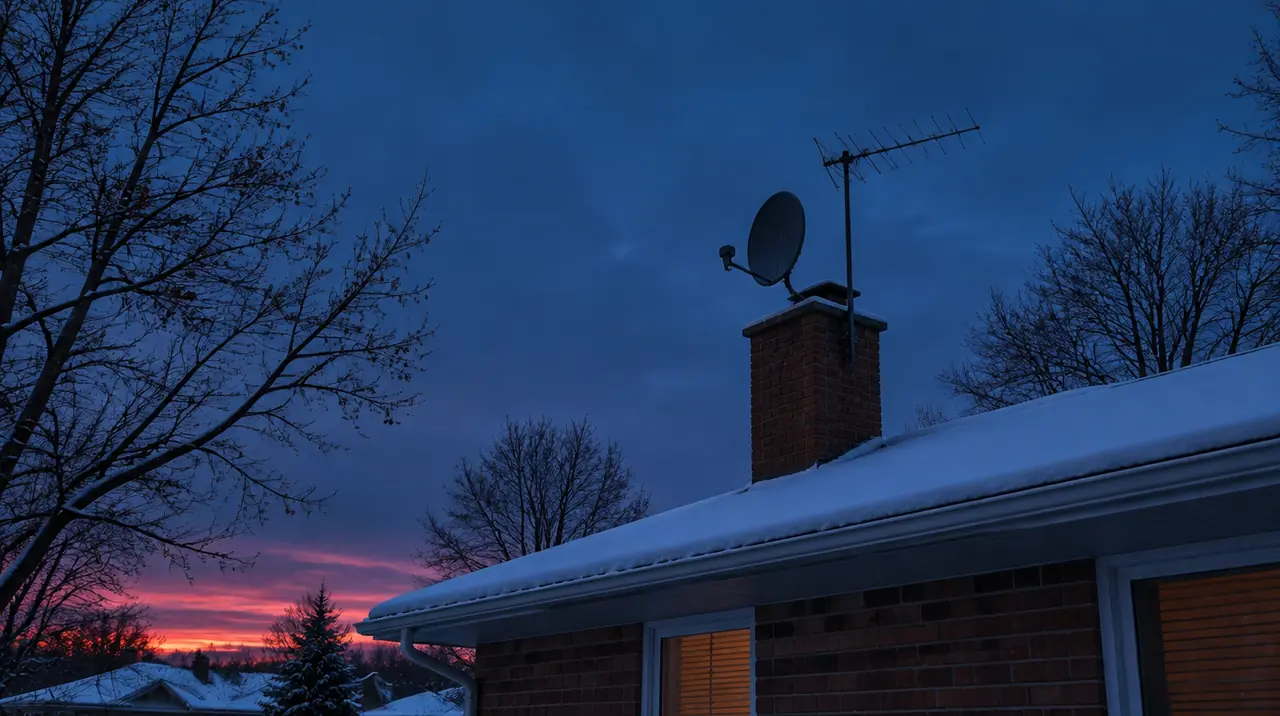
Over-the-air television is free after the one-off antenna purchase and gives you local broadcast channels, usually in good picture quality. In and around big cities a small indoor antenna by a window often works. In a basement, a condo with metallic glazing, or far from a transmitter, it may not. Buy from a shop with a return policy and test before you mount anything. Wikipedia’s over-the-air television page explains the basics.
What you lose: specialty channels, most US and international programming, and anything on demand.
Option 5: IPTV
IPTV delivers live channels and on-demand titles over your internet connection to an app on a device you already own, as described in this overview of Internet Protocol television. For many multi-TV homes it is the biggest saving, because you pay by simultaneous screens, not by box.
With My IPTV Canada the published prices are:
| Screens | 1 month | 3 months | 6 months | 12 months |
|---|---|---|---|---|
| 1 | $19 | $29 | $49 | $79 |
| 2 | $29 | $49 | $89 | $129 |
| 3 | $39 | $69 | $119 | $179 |
| 4 | $49 | $89 | $129 | $199 |
New customers get bonus months (+1 on 3 and 6 months, +2 on 12 months). Renewals are manual, so nothing is charged automatically, and current prices hold until January 15, 2027. On one screen, 12 months at CA$79 is 65% less than paying the CA$19 one-month price twelve times (CA$228).

Be clear-eyed about the weak points. Picture quality is bounded by your internet: roughly 5 to 8 Mbps per HD stream and 15 to 25 Mbps per 4K stream, so a four-screen household needs real headroom (our internet speed for IPTV guide shows the arithmetic). Live sport stress-tests every network. And legality depends on content source and licensing, so read is IPTV legal in Canada and ask any provider hard questions first. If you want a specific channel or event, ask us to check it before you pay; we do not promise individual channels.
How the money really moves
Cable bills grow in places the headline price does not show: a box or digital adapter on every TV, channel packs for sports and movies, and fees on top. IPTV and apps shift that cost into your internet line and a one-time device. A streaming stick or Android box is a one-off purchase, and a smart TV needs nothing extra if its app store carries a suitable player.
So compare annual totals, not monthly ones. Take twelve months of your cable statement, remove the internet portion, and set that beside the plan you would actually buy. For a two-screen home, 12 months of IPTV is CA$129, and a new customer receives 14 months of access for that price (about CA$9.21 a month). The same arithmetic on any app is simple: monthly price times the months you actually keep it.
The saving only counts if you keep what you needed. Write down the five channels or apps your household opens every week. If your cable package carries 150 channels and you watch eight, you are paying for 142 you never use, and that is the real opportunity.
Mistakes people make when they cut the cord
- Cancelling before testing. Run the replacement for a week alongside cable. The first Saturday night of live sport shows you more than any checklist.
- Ignoring Wi-Fi. A TV at the far end of the house on 2.4 GHz is the most common cause of freezing. Wire the main TV with Ethernet where you can; see Wi-Fi vs Ethernet for IPTV.
- Buying only on price. A cheap plan with no refund window and no reachable support is a bad deal at any price.
- Forgetting the second TV. Count every room. A basement TV used twice a week still needs a connection if it overlaps with another screen.
- Assuming everyone will adapt. A new remote and a new guide are real friction. Walk the least technical person through it before the switch date.
Questions to put to any replacement before paying
- What is the refund policy, in writing, and does it have a fee?
- Does the plan renew automatically, or do I choose when to renew?
- How many screens can run at once, and does each screen get its own login?
- Can you check a specific channel or event I care about before I pay?
- How do I reach a person if it breaks on a Saturday night, and in which languages?
Our answers are public: 60-day guarantee, manual renewal, 1 to 4 simultaneous screens, English and French help, and checks on request through the contact page or WhatsApp. Use the same five questions on every provider you consider.
Which one for which household
- Single person, watches series, a laptop and one TV: streaming apps, rotated monthly, plus an antenna if you want local news.
- Couple with two TVs and a sports habit: IPTV on two screens, antenna as the backup for local channels. This is where cable bills usually fall hardest.
- Family of four or five with three or four TVs: IPTV with 3 or 4 screens, wired to the main TV, plus one kids’ streaming app if they want a specific library.
- Rural home, internet under about 15 Mbps or capped: satellite, or an antenna if there is a local transmitter nearby. Do not build your TV on a weak line.
- Senior who wants nothing to change: stay on cable, call for the retention rate, and revisit in a year.
- Newcomer wanting home-country channels: IPTV is often the only workable route, but check languages carefully; see IPTV for newcomers to Canada.
A low-risk way to switch
- Run a speed test on the TV itself, in the evening, on the device you will use.
- Keep cable until the replacement has worked through a full week including a weekend.
- Check your cancellation terms and any remaining contract term before calling.
- Remember that dropping a bundle can change your internet price. Ask what internet alone will cost before you cancel TV.
- Buy with a refund window. Ours is 60 days from first paid activation, with no refund fee, through the refund request page, WhatsApp or email.
Once you have decided, how it works explains the process from checkout to first channel, and the devices page lists what we support.
When we are not the right fit
If your internet is unreliable, if you will not touch a settings menu, or if you need one specific broadcaster guaranteed in writing, choose cable, satellite or a licensed app. IPTV rewards households that can run a speed test and follow ten minutes of setup, and it works best alongside, not instead of, a free antenna.
Frequently asked questions
What is the cheapest alternative to cable in Canada?
An over-the-air antenna is cheapest because you pay once and get free local broadcast channels. It excludes specialty, international and on-demand content. For live channels plus on-demand, a multi-screen IPTV plan or a rotating set of streaming apps is the next cheapest route.
Can I replace cable with streaming apps alone?
If you mostly watch series and films, yes. If you rely on live news, local channels or live sport, apps alone usually leave gaps, and sports rights are split across several services. Many households add a cheap antenna for local channels.
Is IPTV a good replacement for cable?
For households with dependable internet that want a large live lineup on several screens, it is the closest like-for-like option. Quality depends on your network and the provider, so check refund terms first. Legality also depends on the content source and licensing.
Is satellite TV better than cable in rural Canada?
Often yes, where cable and fast wired internet are unavailable. Satellite needs a dish with a clear southern view and can fade in heavy rain or snow, but it does not depend on your internet connection.
How much internet do I need to drop cable?
Count simultaneous screens. HD needs roughly 5 to 8 Mbps per stream and 4K roughly 15 to 25 Mbps. Add the rest of the household's usage and leave headroom. Test speed on the TV itself in the evening.
Can I keep cable internet but cancel cable TV?
Yes, but ask for the price of internet alone before you cancel, because bundle discounts can disappear. Sometimes the saving is smaller than the TV line suggested.
Sources
Your next step
Test the channels you actually watch.
Tell us your device, languages and preferred channels. We will help confirm availability and set up a free 24-hour trial. Read the plan and guarantee terms before paying.
Useful for someone else?
Share the guide without losing the context.