Quick answer: for 4K IPTV you need four things: a 4K TV, a 4K-capable stick or box, a steady 15 to 25 Mbps per 4K stream, and a 4K channel to watch. Our plans include 4K, FHD and HD channels at no extra cost. A wired connection to the main TV is the single biggest upgrade.
You bought a 4K TV. You turned on the hockey. And it looks… fine. Not amazing. This guide is for that moment.
The 4 things 4K needs
All four, or you don’t get 4K:
- A 4K TV. Most TVs sold in Canada in recent years are.
- A 4K device. The stick, box or TV app must decode 4K.
- Enough steady speed. Roughly 15 to 25 Mbps for each 4K stream, at the same time as everything else in the house.
- A 4K source. Only some channels broadcast in 4K. The rest are FHD or HD.
Miss one and the picture drops to HD, or buffers.
Speed: what you really need
| What’s playing | Rough speed needed |
|---|---|
| 1 HD stream | 5 to 8 Mbps |
| 1 4K stream | 15 to 25 Mbps |
| 1 4K + 1 HD | 20 to 33 Mbps |
| 2 4K + 2 HD | 40 to 66 Mbps |
Add room for the rest of the house: phones, video calls, game downloads. Check your real evening speed, not the number on your bill. Our internet speed guide shows how.
Devices that handle 4K well
- Firestick 4K models and Fire TV Cube. Check whether yours runs Fire OS or Vega OS first. Here’s which Firestick to buy.
- NVIDIA Shield. Strong at 4K, great for big home setups. Setup guide.
- Google TV Streamer. A good all-rounder. Setup guide.
- Recent smart TV apps. Fine on newer models. Older TVs often struggle with 4K streams even when the screen is 4K.
5 settings that make a real difference
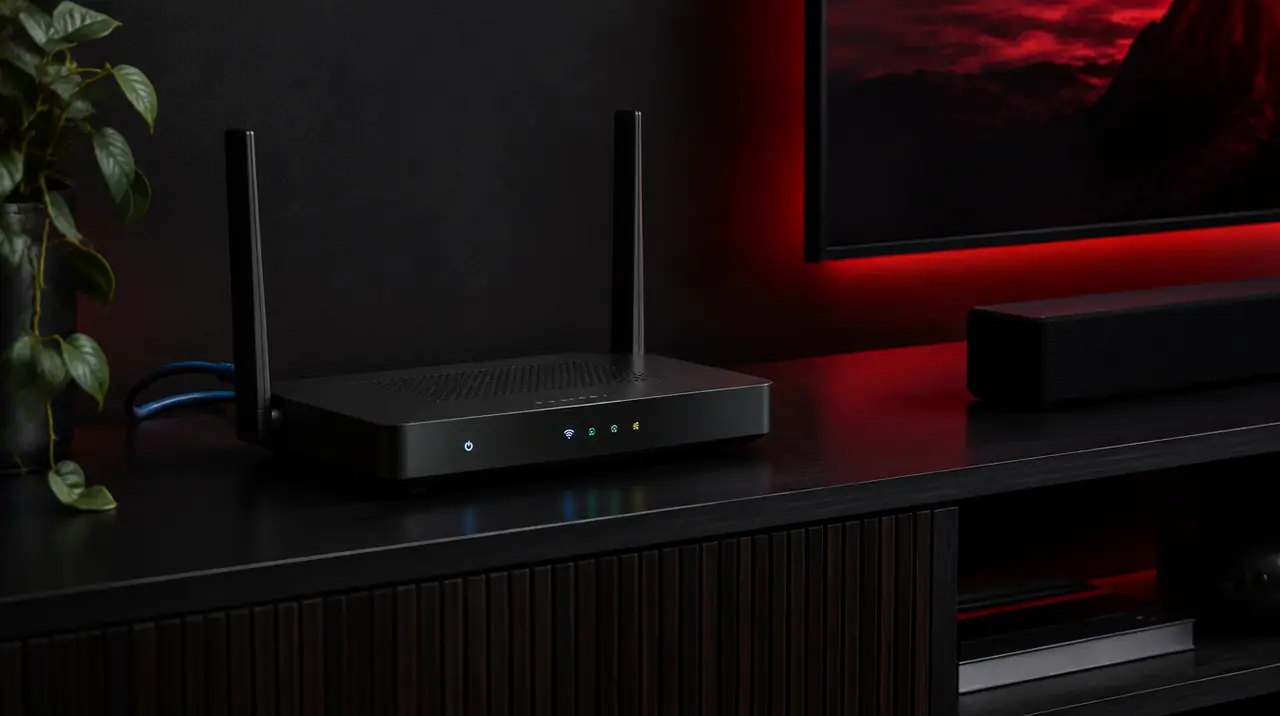
- Use Ethernet. Wi-Fi can drop out for a split second and you won’t notice, except your stream will. Wi-Fi vs Ethernet for IPTV.
- Set the device’s display to 4K. On many sticks, it’s under Display and Sounds. Some ship set to “auto” and pick 1080p.
- Turn off motion smoothing for sports if it looks unnatural.
- Pick the 4K version of the channel. Many channels come in more than one quality. Look for “4K” or “UHD” in the name.
- Check router settings. Our guide to router settings for IPTV covers the ones that matter.
Why does my 4K channel look soft?
Common reasons:
- The device dropped to a lower resolution because the connection dipped. Wired fixes this most of the time.
- The channel is upscaled, not native 4K. Some events are only produced in HD.
- The TV’s picture mode. “Vivid” or “Dynamic” often looks worse. Try “Movie” or “Filmmaker”.
If one 4K channel buffers but HD is fine, it’s almost always speed or Wi-Fi. For live sports specifically, see IPTV freezing during live sports.
Does 4K cost extra?
No. 4K, FHD and HD channels are included on every plan. Plans start at CA$19 a month on one screen. Planning to watch 4K on several TVs at once? A 2, 3 or 4-connection plan covers it. Prices are on our pricing page, and they rise after April 14, 2027.
Test 4K on your own TV
Ask for a free 24-hour trial and test the 4K channels you care about, on your TV, on your internet, in the evening. We’ll help with settings in the WhatsApp chat.
Start your trial: +1 (647) 694-5881
FAQ
Do you have 4K channels?
Yes. 4K, FHD and HD, depending on the channel. See the channel list.
What internet speed do I need for 4K IPTV?
Roughly 15 to 25 Mbps of steady speed per 4K stream.
Why is my 4K IPTV buffering?
Usually Wi-Fi or speed dips in the evening. Try a cable and check your speed at peak time.
Which Firestick is best for 4K IPTV?
A 4K model running Fire OS. See our Firestick buying guide.
Related guides: IPTV on a Hisense TV · Is IPTV worth it? · NHL Wednesdays on Prime Video
Your next step
Test the channels you actually watch.
Tell us your device, languages and preferred channels. We will help confirm availability and set up a free 24-hour trial. Read the plan and guarantee terms before paying.
Useful for someone else?
Share the guide without losing the context.