IPTV works well in Vancouver because Metro Vancouver has plenty of fast home internet, from fibre to cable, and a good IPTV stream needs only about 5 to 8 Mbps for HD and 15 to 25 Mbps for 4K per screen. Speed is rarely the Vancouver problem. Strata wiring, Wi-Fi in older concrete buildings, Pacific-time sports schedules and getting a rural or island property connected at all cause most of the trouble, and each one has a fix below.
My IPTV Canada serves households across Canada, including Vancouver, Burnaby, Surrey, Richmond, North Vancouver and the Fraser Valley. Plans start at CA$19 for one screen and carry a 60-day money-back guarantee, so you can test it on your own connection.
Your internet in Metro Vancouver: what to check
You do not need the fastest plan on the market. You need a connection that stays stable at 7 pm when your neighbours are streaming too. Here is how the common options behave:
| Connection | Where you see it | IPTV suitability | Watch for |
|---|---|---|---|
| Fibre to the home (for example Telus PureFibre) | Many newer and upgraded buildings and neighbourhoods | Excellent, with steady upload and download | Wi-Fi from the router is usually the weak link |
| Cable (Rogers, which absorbed Shaw’s customers) | Wide coverage across the Lower Mainland | Very good for several streams at once | Evening congestion on shared lines in some areas |
| Building-wide provider in a strata tower | Some downtown and False Creek condo buildings | Good, if the building network is not oversold | You may not be able to choose your own ISP |
| Fixed wireless or satellite (such as Starlink) | Gulf Islands, Sunshine Coast, remote lots | Workable for one or two HD streams | Weather and obstructions; test before relying on it |
For a typical family, a plan of 100 to 300 Mbps down is comfortable. Count your streams: four HD screens at once need about 20 to 32 Mbps in total, and one 4K screen adds another 15 to 25. See how much internet speed IPTV needs for the arithmetic, and run a speed test at your TV, not beside the router.
Apartments, strata and concrete walls
Vancouver has a lot of concrete condos, and concrete eats Wi-Fi. A router in the living room can deliver a strong signal to the sofa and a poor one to the bedroom behind two walls. The fixes, in order of effort:
- Use Ethernet where you have a jack. Many suites have data ports in the wall. Plug the streamer directly into the router. A wired link removes the biggest cause of buffering. See Wi-Fi vs Ethernet.
- Join the 5 GHz band for devices close to the router, and keep 2.4 GHz for far rooms. Many routers merge both under one name; split them in the router’s settings.
- Move the router to a central, raised spot away from the kitchen and metal furniture.
- Use a mesh system or powerline adapters if your suite is long and narrow. Powerline works best when both ends share the same electrical circuit.
- Ask your strata about building-wide Wi-Fi rules before you install anything on shared walls or common areas.
If your streams buffer only in the evening, congestion rather than coverage may be the cause. Our guide to fixing IPTV buffering shows how to tell the two apart.
Pacific time and live sports
This catches new Vancouver viewers out. Live events are scheduled in the broadcaster’s home time zone, so an Eastern 7 pm start is 4 pm in Vancouver. An early game can start while you are still at work. Two things help:
- Set the TV or streamer time zone to Pacific, so the program guide shows local times. Check that daylight saving is on automatic.
- Use the guide’s catch-up or replay where the source supports it, rather than assuming you can always rewatch. Catch-up varies by channel.
No honest provider can promise every game, and I will not. Before you pay, ask us to check the specific channel or event you care about, whether that is local hockey, soccer, football or an international fixture. Test a live event at its start time before your refund window closes.
Language and community viewing
Vancouver is one of the most multilingual cities in the country. Many households want programming in Punjabi, Cantonese, Mandarin, Tagalog, Korean or Persian as well as English and French. Language coverage varies between services, so list what your household watches and ask us to confirm it before you pay. Our team helps in English and French, and a clear list of channels you need makes the check quick.
Beyond the city: Sea-to-Sky, Sunshine Coast and the islands
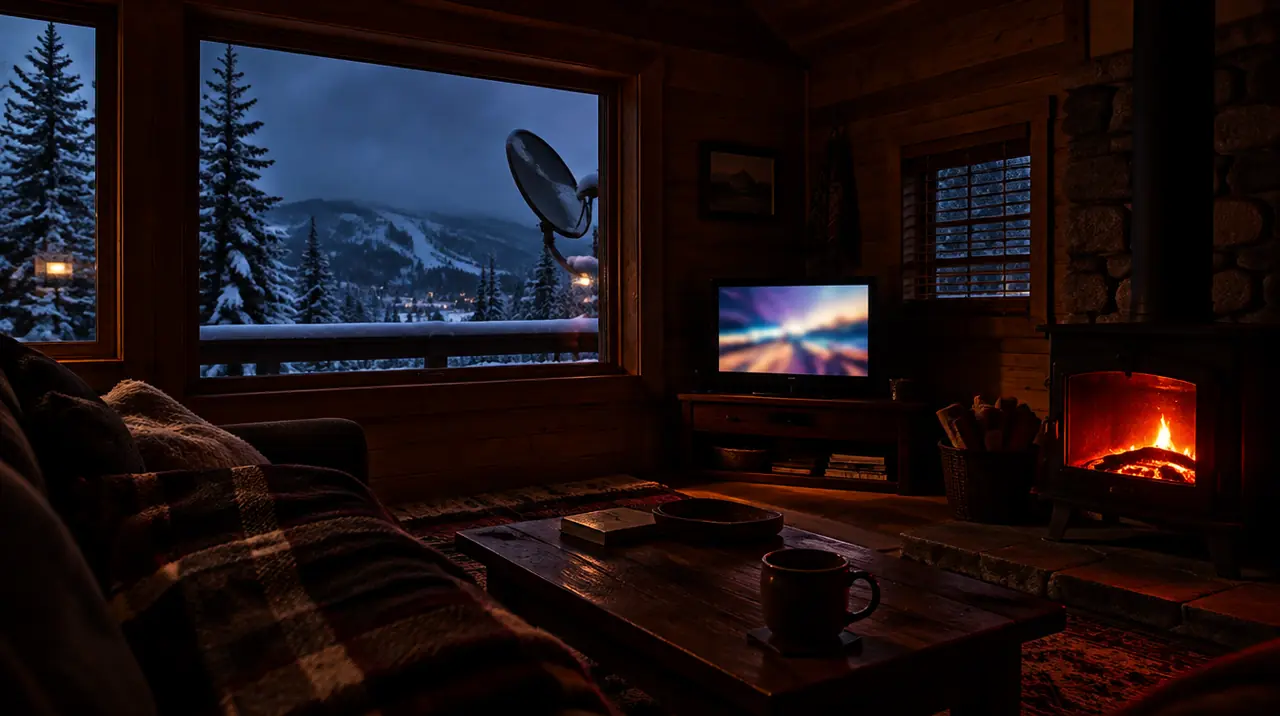
Cabins in Whistler, Squamish, Pemberton, the Sunshine Coast and the Gulf Islands often have patchy broadband. If you spend weekends in one, consider the connection before you consider the plan. Satellite internet such as Starlink can support one or two HD streams, but heavy rain, tree cover and shared dishes affect it. Test with your own device on arrival, not the night before a long weekend. Our cottage and cabin guide covers the options.
A typical Vancouver evening, step by step
Consider a two-bedroom condo in Yaletown. The living-room TV runs a sports broadcast from 4 pm Pacific, someone watches a series in the bedroom, and a phone streams in the kitchen. That is three simultaneous screens, so a three-screen plan fits (CA$39 for a month, up to CA$179 for 12 months). Combined bandwidth is about 15 to 24 Mbps for three HD streams, which any decent Metro Vancouver plan covers. What breaks it is the router in the hallway cupboard: the signal reaches the bedroom through two concrete walls at a fraction of its strength. Run an Ethernet cable to the living-room streamer and put a mesh node near the bedroom. That fixes it without a faster plan.
The lesson applies across the Lower Mainland: fix the weakest link before you pay for more speed. Wikipedia’s article on IPTV explains why the quality of the last few metres matters as much as the headline speed.
Cutting the cable bill in Vancouver
Vancouver households often pay for a cable or satellite bundle that grew over the years. Before you switch, gather the real numbers:
- The monthly total including box rental, PVR fees, sports tiers and taxes.
- When any promotional rate ends, and the early-cancellation terms.
- Which channels your household actually watches in a normal week.
- Whether your internet is bundled with the TV service. Removing TV can raise the price of internet on some bundles, so ask your provider what internet-only costs.
Keep the old service until you have tested IPTV through a full week, including a weekend evening. Our 60-day guarantee from first paid activation gives you time to do that before cancelling anything. Read cutting the cord step by step for the order of operations.
Weather, power and other local quirks
Fibre and cable are barely affected by Vancouver rain. Satellite and fixed-wireless links can be. If you rely on one, expect occasional fades in heavy storms and keep a phone hotspot as a fallback for key events. Also remember that atmospheric river events can cause local outages: a small UPS (battery backup) for your modem and router keeps the connection alive through brief power blips, which also helps a streamer restart cleanly.
Set up in four steps
- Pick your device. A Fire OS stick, a Google TV streamer or Apple TV 4K all work well. Avoid a Vega OS Fire TV if you want Android IPTV players; our Fire OS vs Vega OS guide explains why.
- Pick your plan. Count simultaneous screens. Most Vancouver couples need two; families with teens often need three or four.
- Get your login. Payment is confirmed with a person on WhatsApp before activation, and you receive your credentials after that.
- Install a player and sign in. Follow the guide for your device from our installation guides.
What it costs
| Screens | 1 month | 3 months | 6 months | 12 months |
|---|---|---|---|---|
| 1 | CA$19 | CA$35 | CA$49 | CA$79 |
| 2 | CA$29 | CA$59 | CA$89 | CA$129 |
| 3 | CA$39 | CA$79 | CA$119 | CA$179 |
| 4 | CA$49 | CA$99 | CA$149 | CA$219 |
New customers get +2 bonus months on the 12-month term, and none on shorter terms. Compared with paying the one-screen monthly price of CA$19 for a year (CA$228), the 12-month price of CA$79 is about 65 percent lower. Current prices hold until April 14, 2027. Compare it with your own cable or satellite bill line by line: include box rental, sports tier, taxes and any bundle discount that ends after a year. Our cable vs IPTV cost guide has a worksheet.
Whether any service is licensed for the content it carries depends on its source, so read is IPTV legal in Canada. For the city overview, see our IPTV Vancouver page and Wikipedia’s overview of Vancouver if you are new to the region.
When IPTV is not the right fit
- You have no reliable broadband at the property.
- You depend on a local over-the-air broadcast with an antenna and do not want any subscription.
- You want a bundled technician-installed service with one bill from one company.
Otherwise, test on your own TV during the refund window and judge it at your busiest hour. Message us on WhatsApp with your building type and device, and we will say what to expect.
Frequently asked questions
Does IPTV work well in Vancouver?
Yes, if your connection is stable. HD needs roughly 5 to 8 Mbps per stream and 4K roughly 15 to 25 Mbps. Most Metro Vancouver fibre and cable plans handle that. Indoor Wi-Fi in concrete buildings is more often the problem than speed.
What internet speed do I need for IPTV in Vancouver?
Add up the screens that run at once. Four HD streams need about 20 to 32 Mbps total, and one 4K stream adds 15 to 25 Mbps. A 100 to 300 Mbps plan is comfortable for most households. Test the speed at your TV.
Why does my IPTV buffer in my Vancouver condo?
Concrete walls and crowded 2.4 GHz Wi-Fi are common causes. Plug the streamer into an Ethernet jack, join 5 GHz Wi-Fi near the router, or add a mesh system. If it buffers only at night, evening congestion may be the cause.
What time do games start for viewers in Vancouver?
Broadcasts keep the home time zone, so a 7 pm Eastern start is 4 pm Pacific. Set your device to Pacific time so the guide shows local times. Ask us to check a specific channel or event before you pay.
Can I watch IPTV at a cabin or on the Gulf Islands?
Possibly, if the property has a stable connection. Starlink or fixed wireless can handle one or two HD streams, though weather and tree cover affect it. Test with your own device on arrival before relying on it.
How much does IPTV cost in Vancouver?
Our plans run from CA$19 for one screen for one month to CA$219 for four screens for 12 months. A one-screen 12-month plan is CA$79, about 65 percent less than paying CA$19 monthly for a year. Prices hold until April 14, 2027.
Sources
Your next step
Test the channels you actually watch.
Tell us your device, languages and preferred channels. We will help confirm availability and set up a free 24-hour trial. Read the plan and guarantee terms before paying.
Useful for someone else?
Share the guide without losing the context.