Quick answer: yes, adult content is available on our plans, in its own category. In most player apps it sits behind a PIN or adult password that you set yourself. Prefer not to have it at all? Ask us and we remove it from your channel list, so there’s nothing to unlock.
People ask this two ways. Some want to know if it’s included. Others want to make sure it isn’t, because there are kids in the house. Both are fair questions, so here are straight answers to both.
Is adult content included?
Yes. It’s an optional category in the channel list, separate from everything else. It doesn’t mix with movies, series or regular channels, and it doesn’t show on the home screen of most apps.
How is it locked?
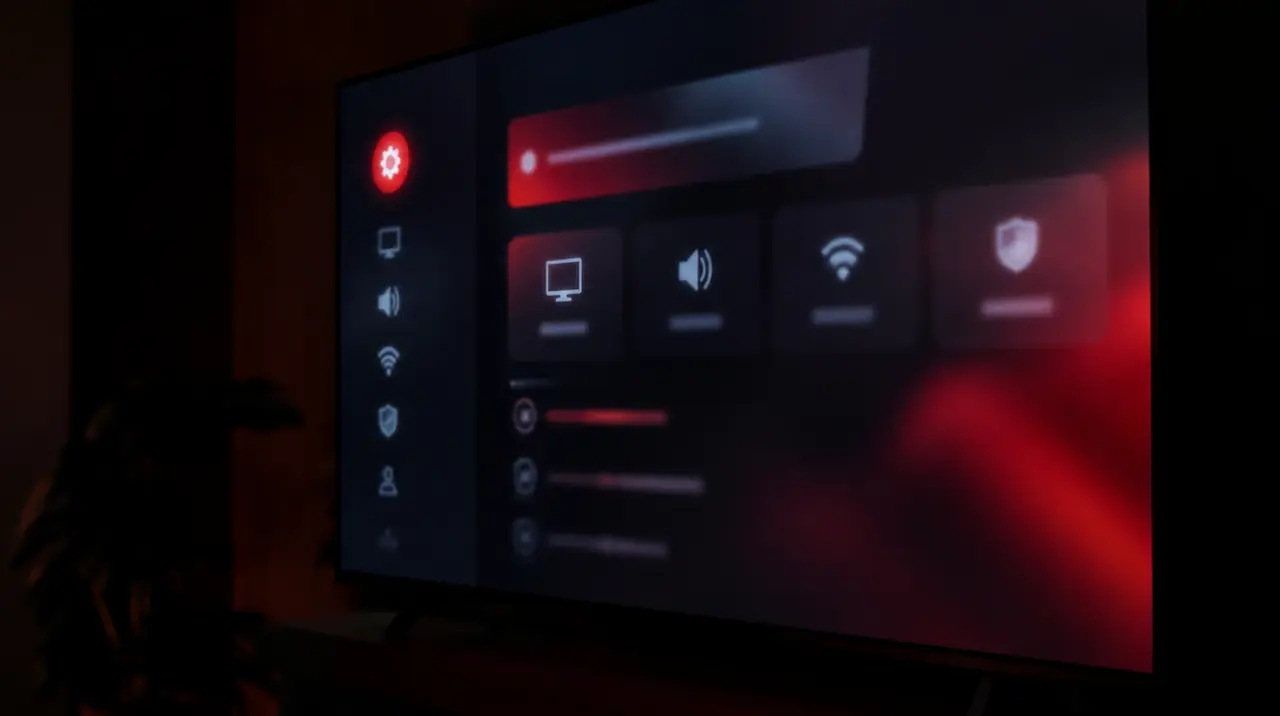
The lock lives in your player app, not on our server. Most apps, including TiviMate and IPTV Smarters, let you set a PIN on any category. Many hide adult groups by default until you enter one.
The steps are roughly the same in every app:
- Open the app’s Settings.
- Find Parental control, Lock or Security.
- Set your own PIN.
- Choose which categories to lock.
- Lock the settings menu too, if the app allows it.
App-by-app steps, and what to do if you forgot your PIN, are in our IPTV parental control password guide.
“What’s the adult password?”
There isn’t one universal code. If you never set a PIN, the app may use its own default, which differs from app to app. Check the app maker’s help page, or set a new PIN in settings. If you’re stuck, tell us your app name on WhatsApp and we’ll show you where the setting is.
How to remove adult content completely
A PIN hides content. Removing it is stronger. Our channel list can be customised, so you can ask us to take the adult category out of your account. Once it’s gone, there’s nothing to find, on any device, in any app.
To ask, send us a WhatsApp message saying “please remove adult content”. We confirm once it’s done. Changed your mind later? Ask again and we add it back.
For families, we suggest both layers: remove the category and set a PIN on the settings menu. More tips are in the best IPTV plan for families in Canada.
Privacy
What you watch stays between you and your device. We never message you about what you watch, and your plan name is the same whether adult content is on or off.
Try it your way
Start with a free 24-hour trial. Tell us up front if you want adult content left out, and we’ll set up the trial that way.
Message us on WhatsApp: +1 (647) 694-5881
FAQ
Do you offer adult content?
Yes, as an optional, separate category.
Can I remove adult channels from my list?
Yes. Ask us on WhatsApp and we take them off your account.
Will my kids see adult content by default?
Most apps hide it behind a PIN. For full peace of mind, ask us to remove it.
I forgot my adult PIN. What now?
See the reset steps in our parental control guide, or message us.
Related guides: 7 first-week IPTV mistakes · Free IPTV setup help
Your next step
Test the channels you actually watch.
Tell us your device, languages and preferred channels. We will help confirm availability and set up a free 24-hour trial. Read the plan and guarantee terms before paying.
Useful for someone else?
Share the guide without losing the context.